Getting started
Your first pattern starts here.
Follow an image from its first colors to its first stitches. Learn the essentials, then make something of your own.
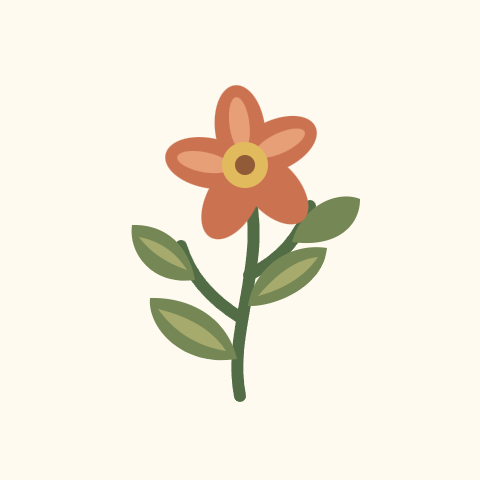
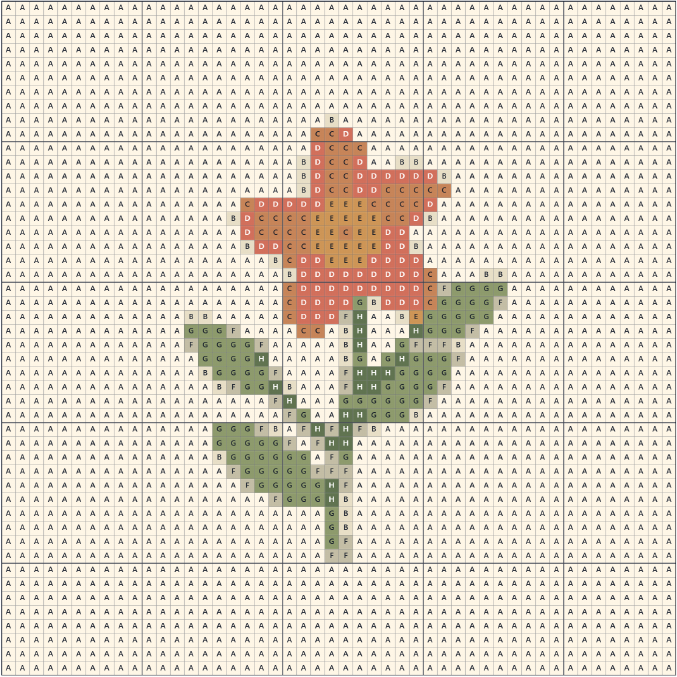
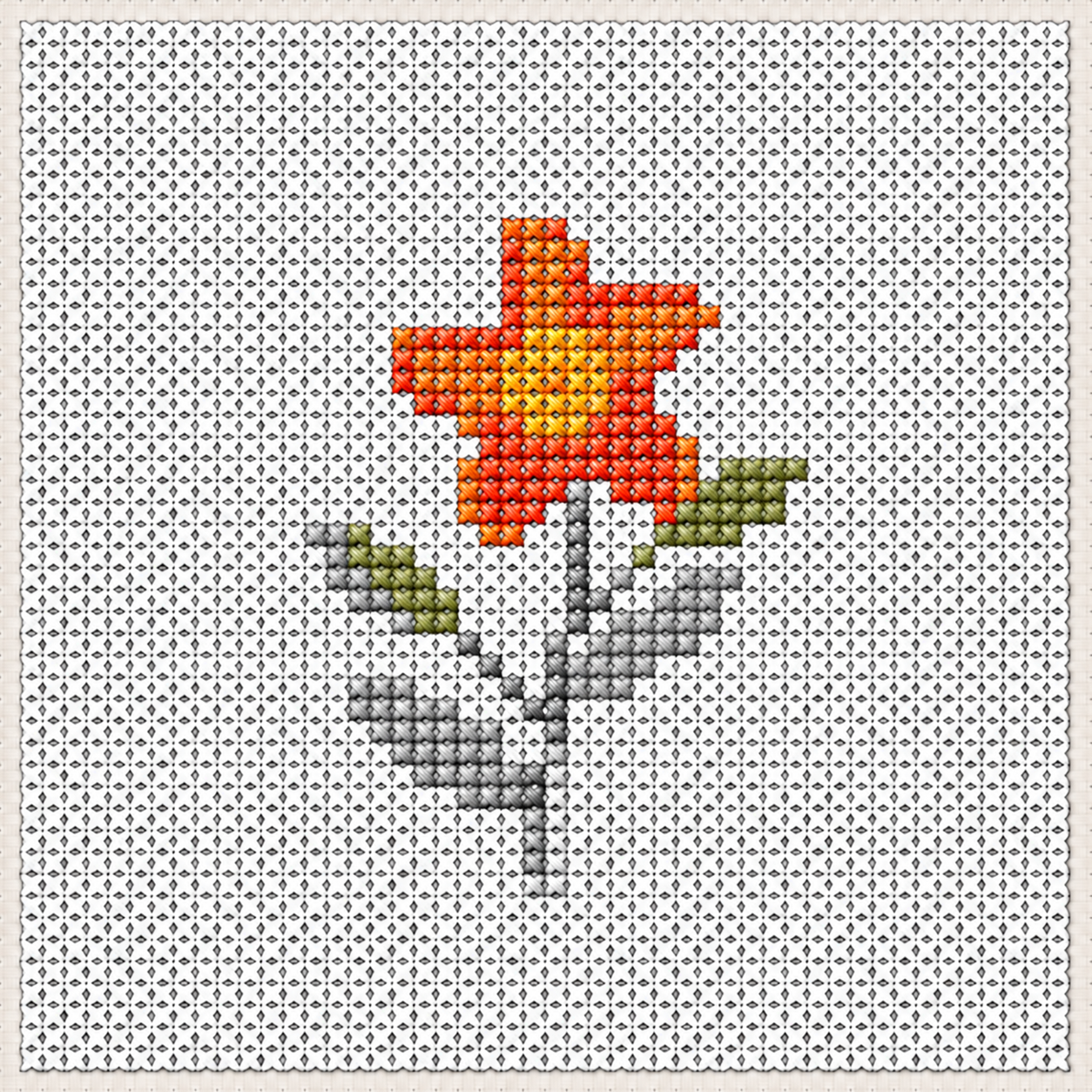
Meet Desert Sprig48 × 48 stitches · 8 colors · one little beginning
Jump to a step
01 / Choose an image
Start with an image.
A clear subject and a simple background make a good first project.
What makes a good first image?
Choose an image with one clear subject, such as a flower, a bold shape, or a simple drawing. A simple background helps the subject stand out. Cropping away extra space gives the subject more room in your pattern. Small details and busy backgrounds may be harder to see in stitches.
Other ways to start
Browse community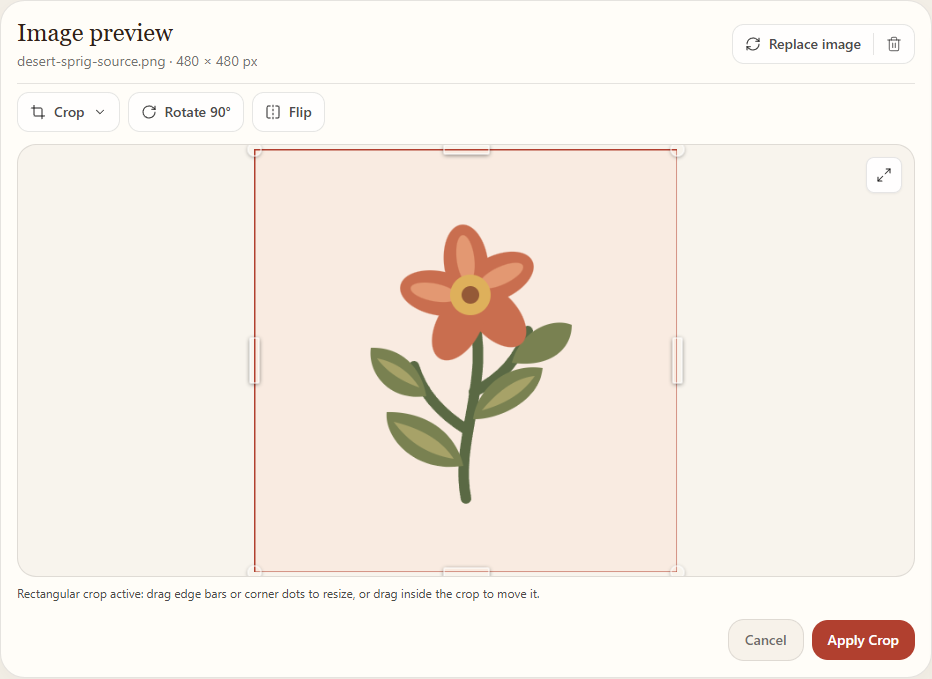
Try it with your own image
Open Create02 / Choose size and colors
Choose the size and colors.
Start small. These settings determine how large your design will be and how many thread colors it can use.
Our example: 48 × 48 stitches on 14-count fabric is about 3.4 × 3.4 in (8.7 × 8.7 cm), before adding a fabric margin.
Stitch size and fabric size
Your pattern size tells you how many stitches are in the design. Fabric count tells you how many stitches fit in one inch. A higher fabric count makes the same pattern smaller when stitched; a lower count makes it larger.
For example, a 48-stitch-wide pattern on 14-count fabric is about 3.4 inches wide. Leave extra fabric around the design for framing or finishing.
What does dithering do?
Dithering uses small groups of different thread colors to suggest shades between them. It can make color transitions look smoother, but may also create scattered stitches that take more work to follow.


Find these settings in Create
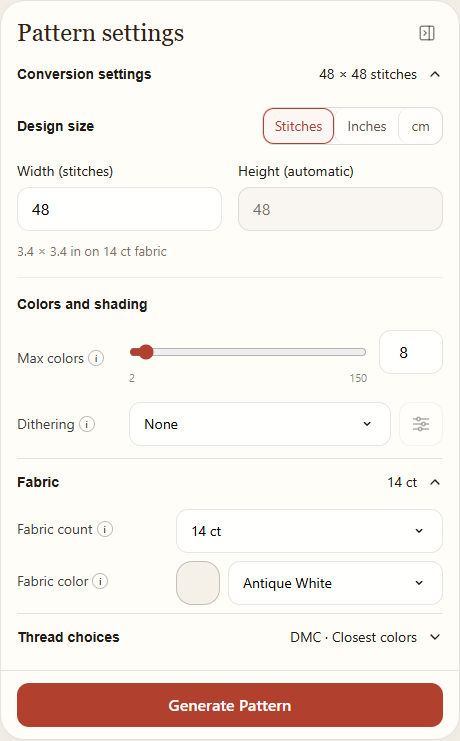
These are the settings used for Desert Sprig.
Try it with your own image
Open Create03 / Edit and save
Edit and save your pattern.
A pattern saved to This device stays in this browser on this device. A pattern saved to Cloud is stored in your private cloud library and can be accessed on other devices when you sign in.
Come back to it later
Open Library in the same browser to find your saved patterns and continue editing or stitching. With Pro, patterns saved to the cloud can be accessed on any device or browser when you sign in to your account.
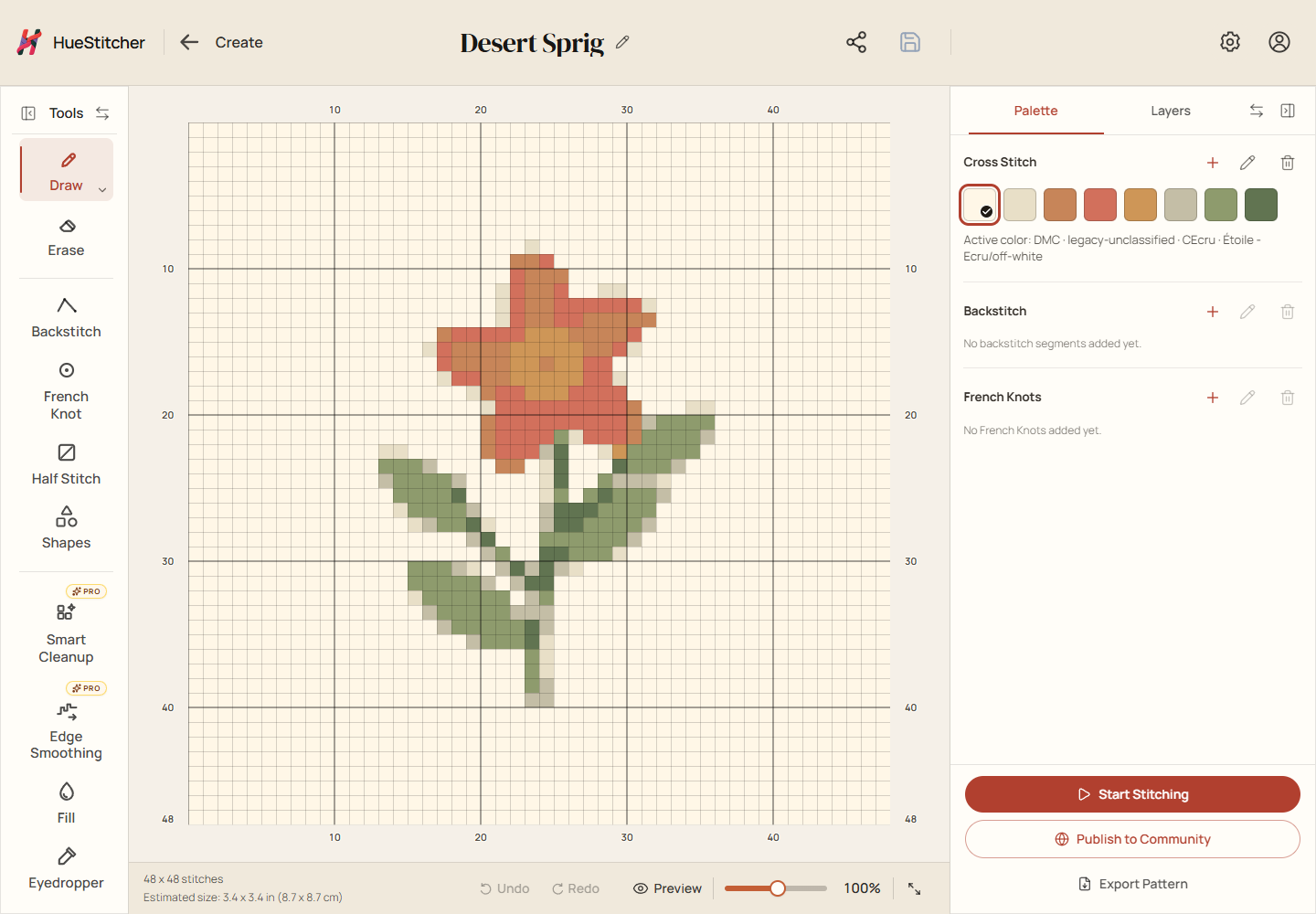
Find your saved patterns
Open Library04 / Get your threads ready
Get your threads ready.
Before you start stitching, check which threads your pattern uses and what you already have.
Want to keep track of your threads?
Shopping List example
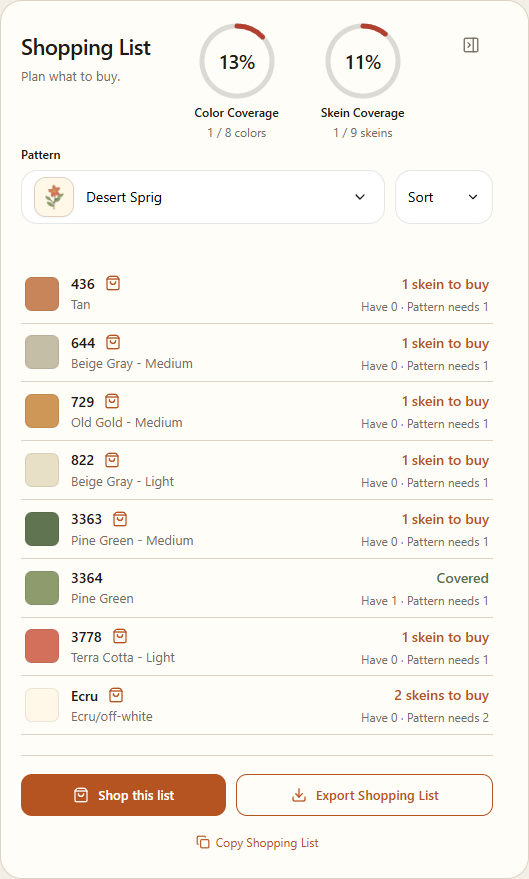
Threads in your pattern
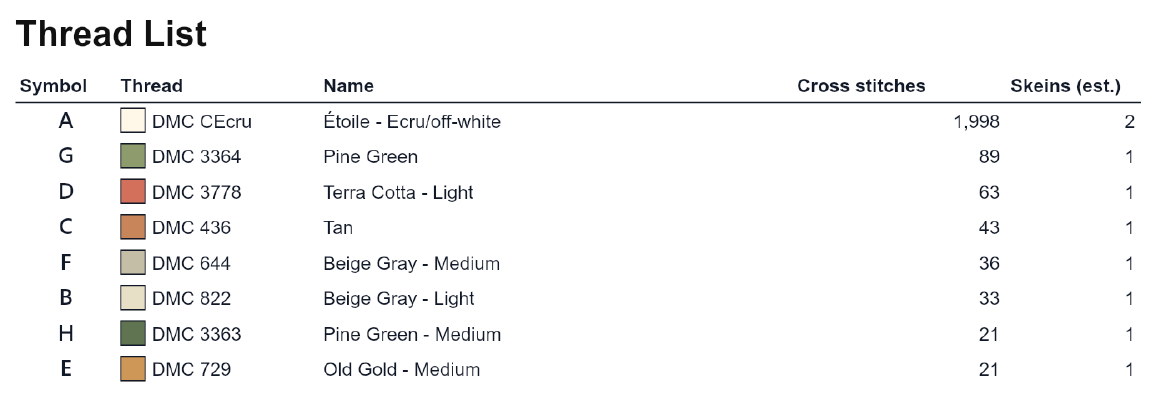
Track your own threads
Open Stash05 / Track your stitching
Keep your place as you stitch.
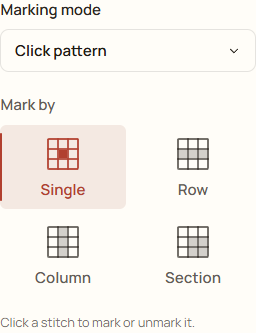
The stitch tracker helps you remember what you have sewn. Its marks record your progress; they do not change the pattern.
How do I mark stitches?
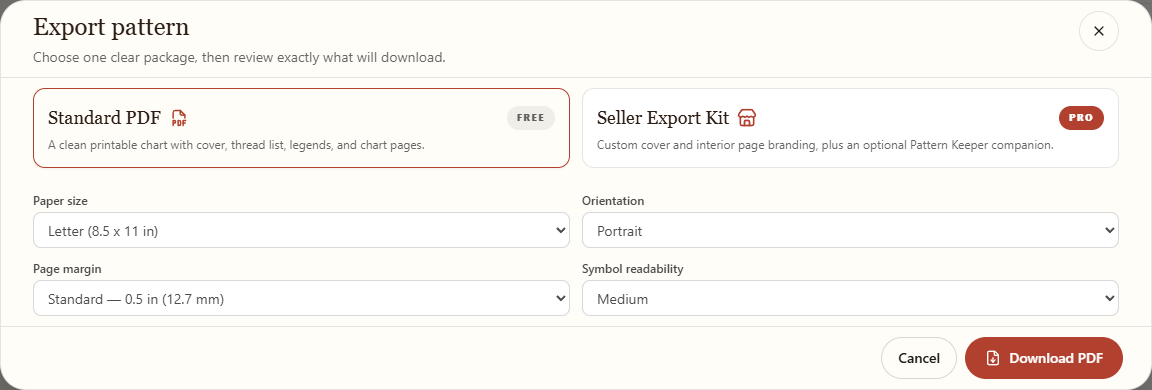
Prefer a paper chart?
The PDF includes the chart and thread list, so you can follow along on paper.
A little practice
Use arrow keys to move between cells, and Enter or Space to mark a stitch.
0 of 36 stitches complete in this excerpt
Find your saved patterns
Open LibraryA few helpful answers
Before your first stitch.
Do I need an account to begin?
No. You can create and edit patterns, save them on this device, and track your stitches as a guest. Sign in to add an available Community pattern to your Library, publish, or use social features.
Where is my pattern saved?
How big should my first pattern be?
A smaller pattern is a good place to start because it usually has fewer stitches to complete. Desert Sprig is 48 × 48 stitches, including its background. Choose a size that feels comfortable for you.
Why does my pattern look different from my image?
Your image is converted into a grid of stitches using a limited number of thread colors. Small details, smooth edges, and subtle shades may look simpler in the pattern. Back to step 2
Can I use a printed chart?
Your turn