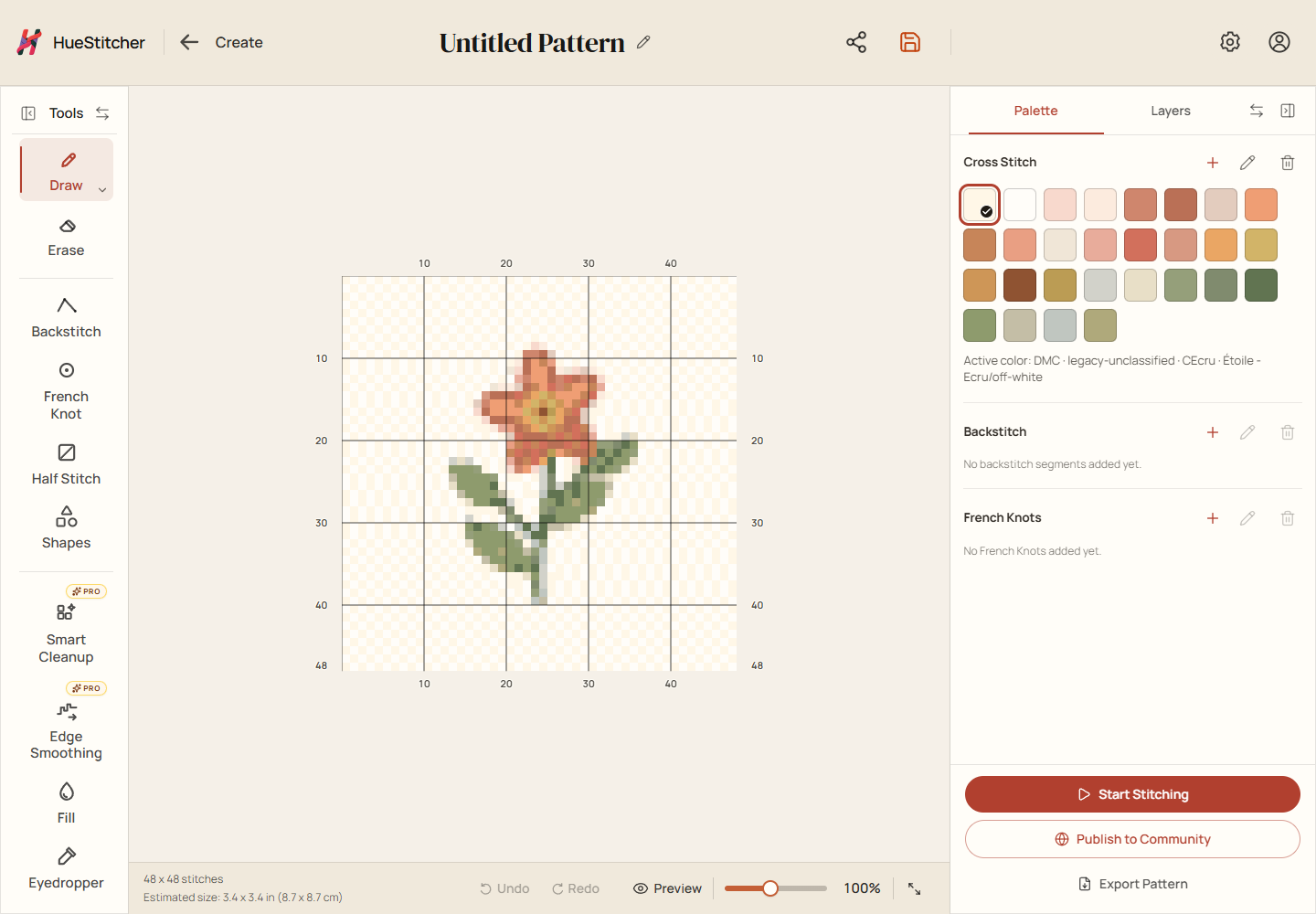
Open the stitch tracker, mark your place, and return to it later.
Steps
After making a pattern, open it in the editor and choose Start Stitching. HueStitcher opens the stitch tracker for that pattern.
As you stitch on fabric, mark the finished stitches on the on-screen chart. The marks are a record of your progress; they do not change the design.
Before leaving, check the Save icon near the top and wait for saving to finish. If there are unsaved changes, choose Save. When you return, open Library and choose Continue on the pattern's card. In Simple card view, open the card's three-dot menu and choose Continue Stitching.
Example editor: tools are on the left, your chart is in the middle, and the palette is on the right. Small screens can be arranged differently.
Where is my progress?
Work saved on this device is available in the same browser on the same device. For cloud work, sign in to the account that saved it.
A new pattern card may say Stitch. Once a stitching project exists, its card offers Continue. If you cannot find it, clear your Library search and filters.