Export and print a Standard PDF
Download a printable chart and thread list, then print them from your PDF viewer.
Steps
- Open your pattern in the editor and choose Export Pattern. You can also open Export Pattern from the stitch tracker.
- Choose Standard PDF. This option is included in Free and contains a cover, thread list, legends, and chart pages.
- Choose Paper size, Orientation, Page margin, and Symbol readability. Match the paper in your printer, then choose Chart color and Chart symbols.
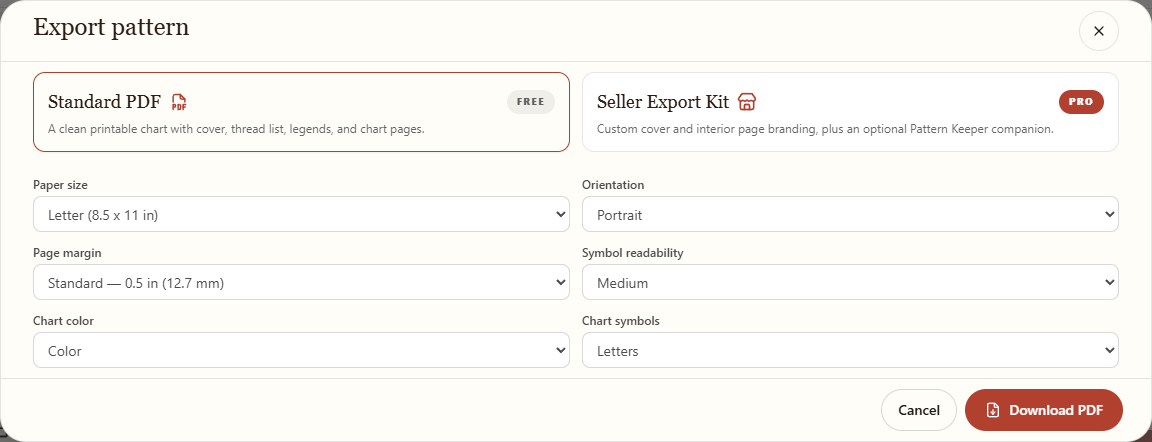
Choose your print and chart settings before downloading. - Choose Download PDF. Wait for the ready message, then open the file from your browser's downloads. If it did not save, choose Download again.
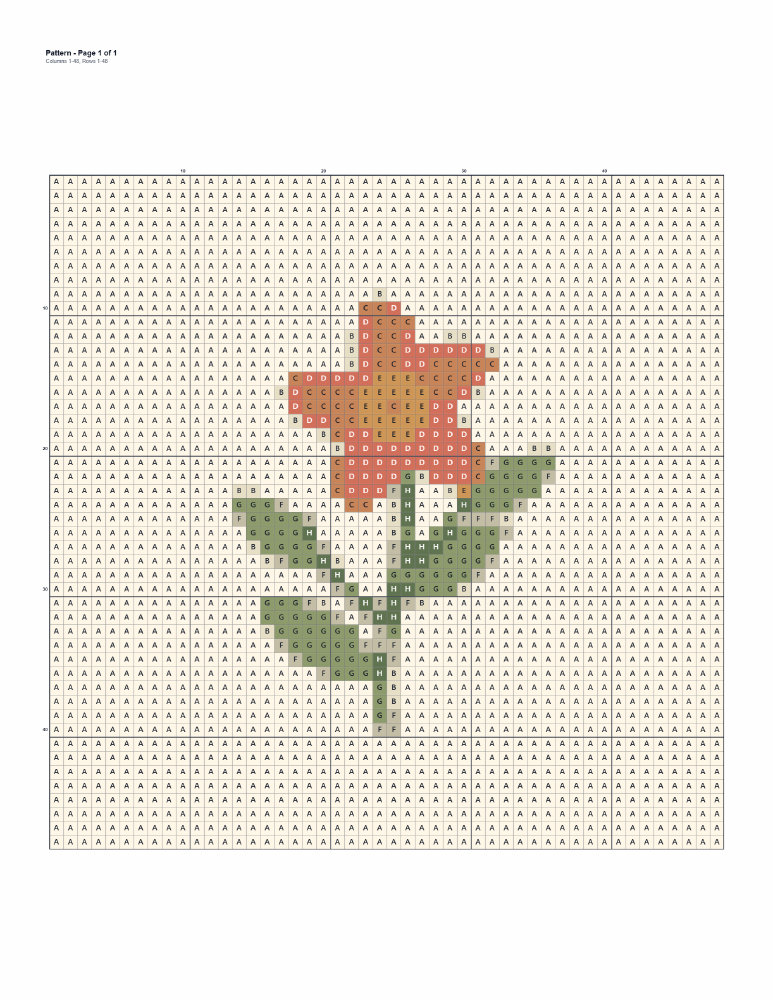
An example chart page from a Standard PDF. The PDF also has a thread list. - In the PDF viewer, open Print. Check the print preview, page range, paper size, and scaling before printing. Print one page first if you want to check the symbol size.
Keep the editable pattern in Library too. The PDF is a printable reference, not an editable backup.
What do the choices mean?
Paper size selects Letter or A4; match your printer paper. Portrait is tall and Landscape is wide. Page margin leaves space at the edges. A larger Symbol readability makes the chart easier to read but may use more pages. Chart color lets you choose color or black and white. Chart symbols offers letters, symbols, numbers, or none. Black and white requires symbols, so choose a symbol style first.
Print a fresh chart or your progress
When exporting from the stitch tracker, Fresh chart has no personal marks. Current progress includes completed stitches for your own working copy; it is unavailable if no stitches have been completed. Exporting does not change your saved progress.