Back to Stitching & progress
Ways to mark your progress
Choose whether to click the chart, enter a position, or follow Smart Stitch.
Steps
- In a stitching project, find Marking mode and open its menu.
- Click pattern lets you click a stitch or area on the chart. Under Mark by, choose Single, Row, Column, or Section before clicking.
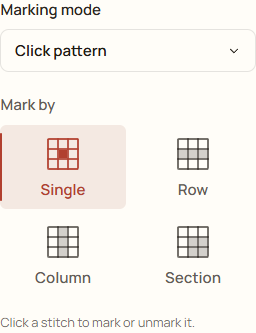
Example: Click pattern and Single let you mark one stitch at a time. - Enter coordinates lets you type the target Row and/or Column. Choose Mark & next to mark it or Clear to remove that target's mark.
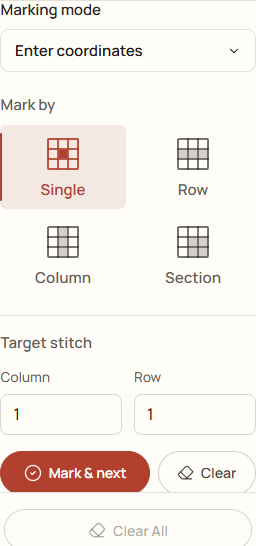
Enter coordinates: choose a row and column, then mark or clear the target. - Smart Stitch shows a suggested next stitch for the active color. Follow its row and column, then choose Mark & next after stitching it.
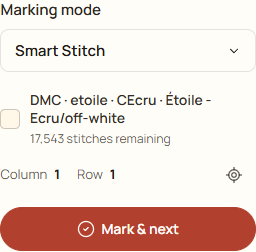
Smart Stitch: follow the suggested location, then choose Mark & next.
For Section, the Row and Column fields refer to sections rather than single stitches. Choose the section size first and check the highlighted area.