Back to Account & settings
Trouble signing in
Check your sign-in method and reset an email password if needed.
Steps
- Open the account button at the top of the site and open the sign-in screen.
- Use the same sign-in method you used before. If you used Google or Facebook, choose that provider and the same account.
- If you use an email and password, choose Forgot Password?. On the Reset password screen, enter your account email and choose Send reset link.
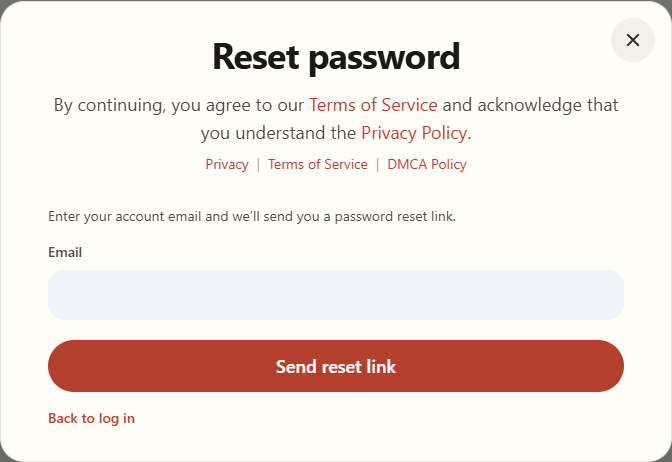
Enter your account email and choose Send reset link. - Check your email, including junk or spam, and follow the message to reset your password. Return to sign in with the new password.
If you still cannot sign in, contact us with your account email and the error message. Never send your password or a verification code.