Back to Account & settings
Create an account or sign in
Choose an email or social sign-in and understand what happens to device-saved work.
Steps
- Choose the account icon at the top of the site to open the sign-in screen.
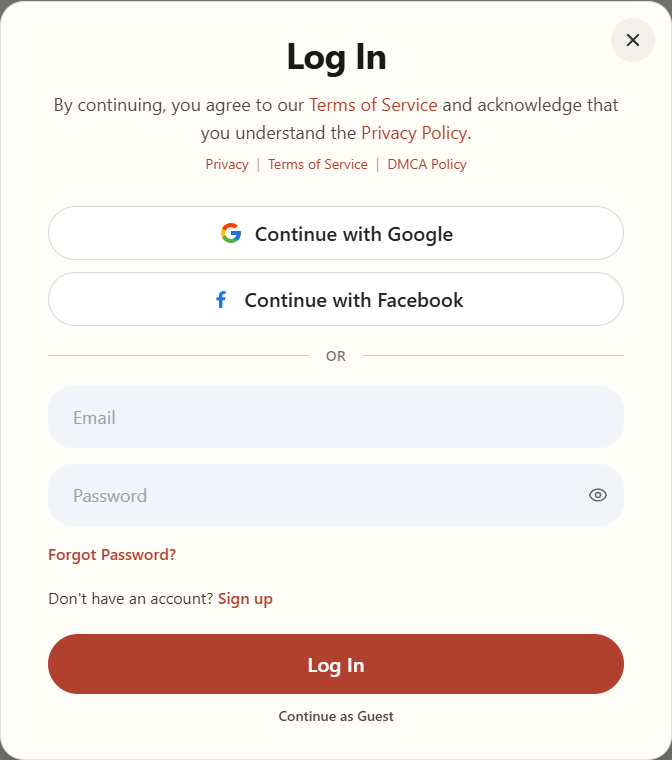
Open the account icon to see the Log In window. - To sign in, use the email and password you registered with, or choose the same social provider you used before.
- To make an account, choose Sign up and confirm you are 18 or older. For email sign-up, enter a display name, email, and a password of at least 8 characters, then choose Sign Up. You can also choose an available social provider.
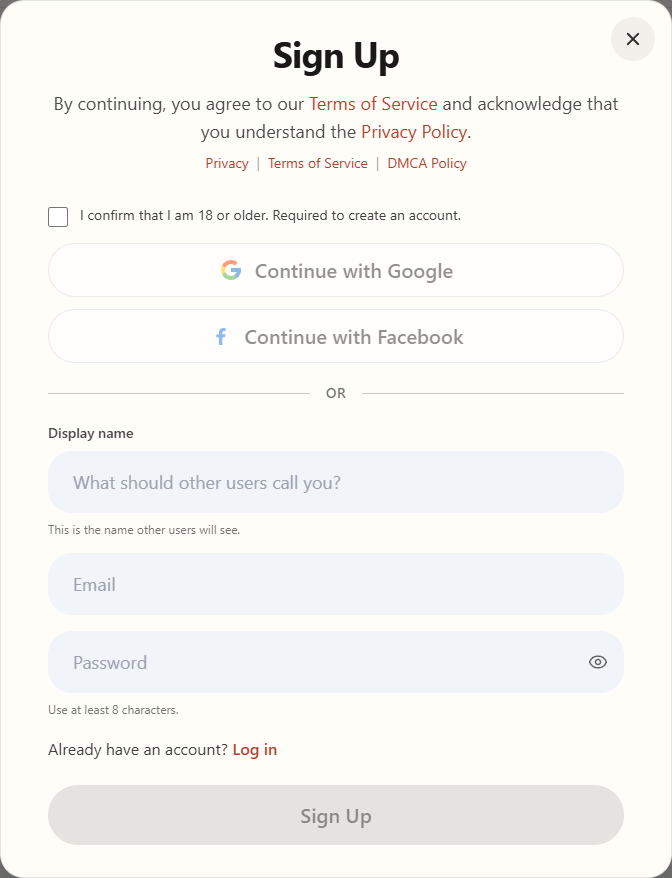
Choose Sign up to create an account. - Follow any confirmation instructions shown on screen or sent by email. Return to sign in when asked.
You can use many features as a guest. Signing in alone does not automatically move earlier device-saved patterns to the cloud.